


Behavior:
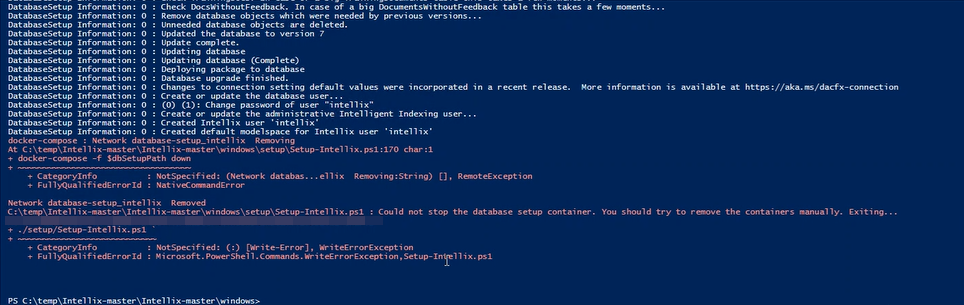
When attempting to install Intelligent Indexing V2 on your SQL server, you encounter the following error:
Network database-setup_intellix Removed
C:\temp\Intellix-master\Intellix-master\windows\setup\Setup-Intellix.ps1 : Could not stop the database setup container. You should try to remove the containers manually. Exiting ...
Solution:
When you receive this error, Intelligent Indexing V2 has been successfully installed, but it cannot stop the setup container in Docker.
First, verify if the containers are removed by running the following command in CMD:
docker ps -a
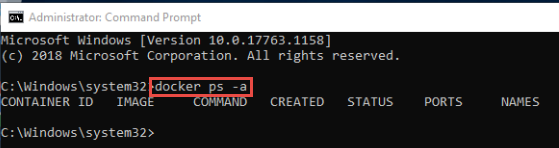
Since it is confirmed that the containers are not running, it is safe to continue the setup by running Start-Intellix.ps1 in Powershell.
Intelligent indexing should now be running without error.
KBA is applicable to On-Premise systems ONLY!.