


Behavior:
After upgrading DocuWare, some of our configurations plug-ins are no longer accessible.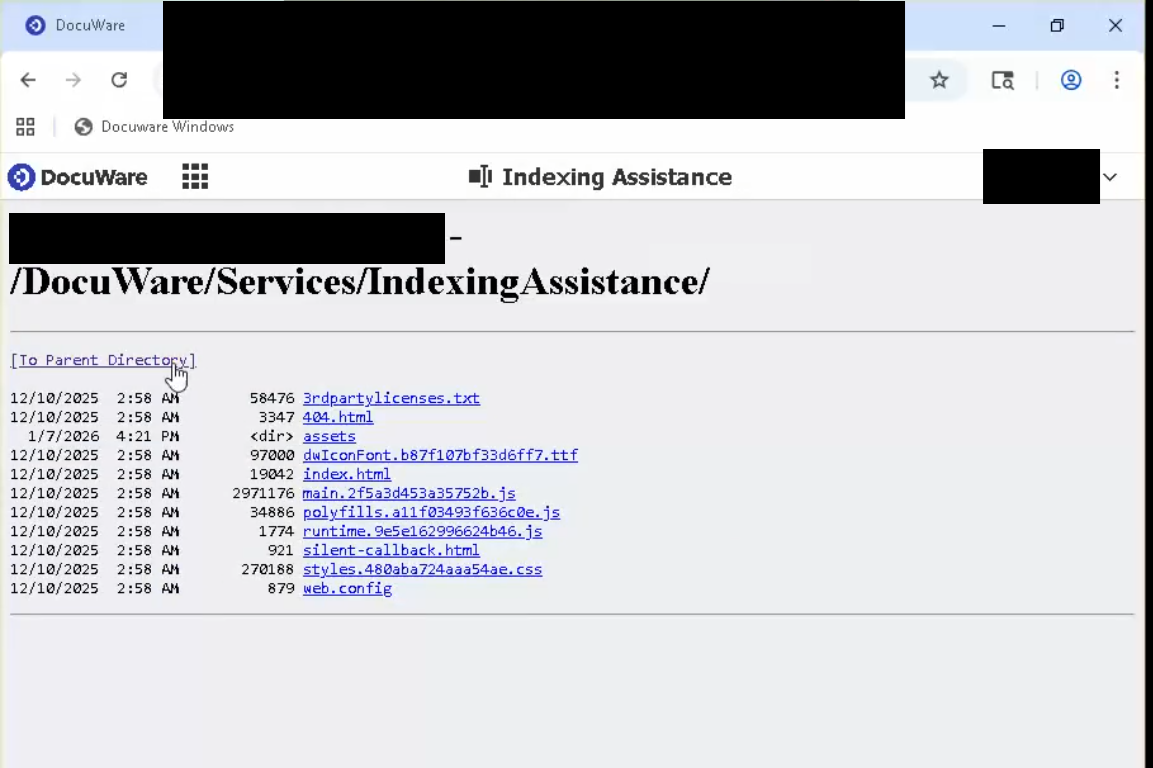
Solution:
This issue is caused by a configuration on the customer's IIS. Please conduct the following steps to resolve this:
- In IIS Manager, select your DocuWare site
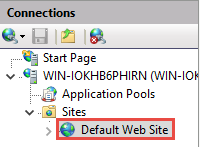
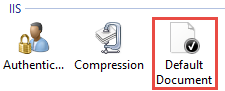
2. Under IIS double-click Default Document.
3. Make sure index.html is in the list of items and Default Document is enabled. The screenshot below shows how it looks when it is disabled. 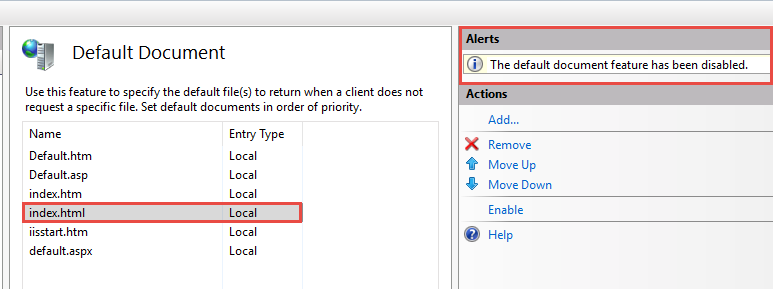
4. After you've enabled it, verify that the settings open correctly.
KBA applicable to On-Premises Organizations ONLY!