


Behavior:
When setting up a workflow in the new DocuWare Workflow Designer, after creating an Email Send step and trying to enter an email address to the Cc section, the email address is removed after attempting to save.
Here is an example of what the action looks like upon entering the email address.
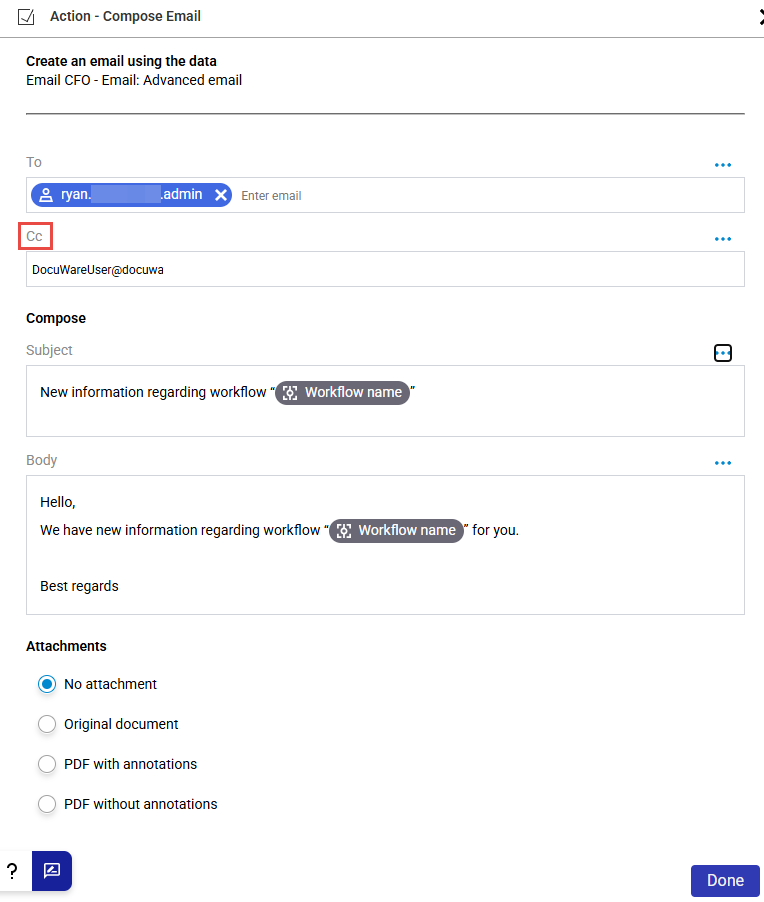
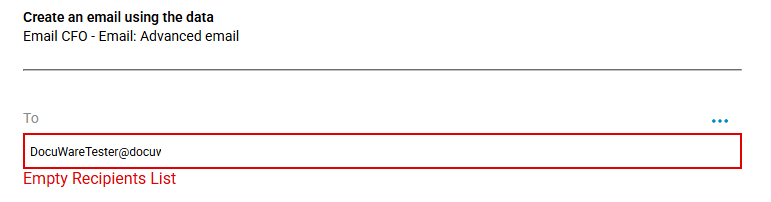
Additionally, when entering an email address in the "To" section, it displays the following error message, as if nothing has been entered.
Empty Recipients List
Solution:
When entering email addresses into actions, press the spacebar to convert the address into a pill. Once it looks like the following, the email address has been successfully added.

KBA applicable for Cloud Organizations ONLY!