


Question:
How can I pre-fill data in a table using a workflow task?
Answer:
Please refer to the following guide to prefill data in a table within a workflow task:
How can I pre-fill data in a table using a workflow task?
Answer:
Please refer to the following guide to prefill data in a table within a workflow task:
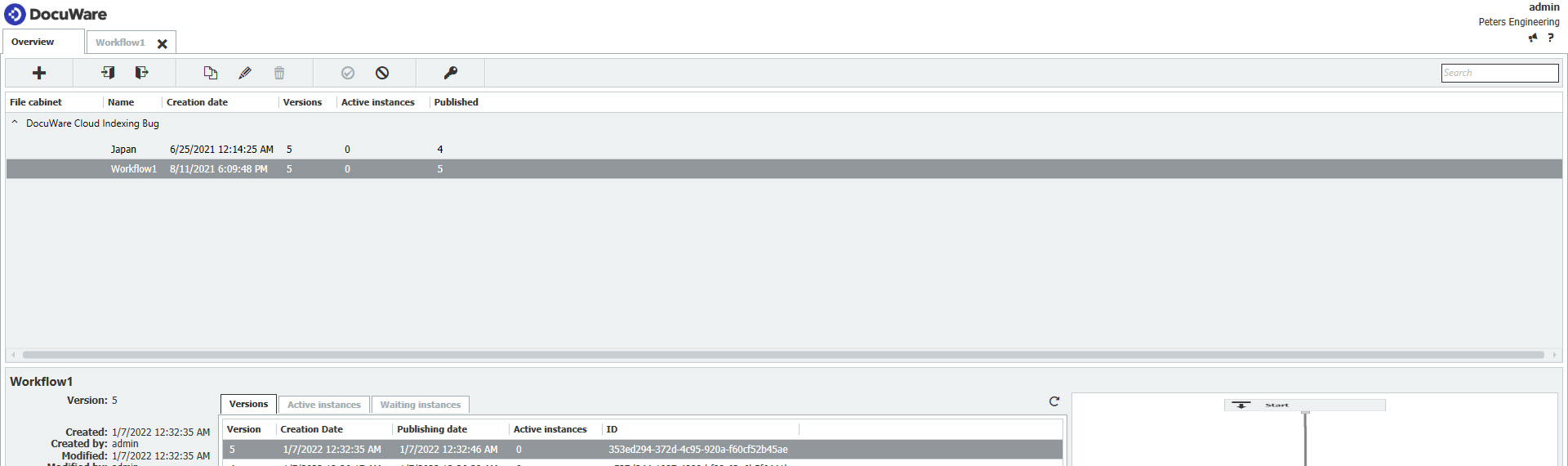
- Open the DocuWare Workflow Designer.
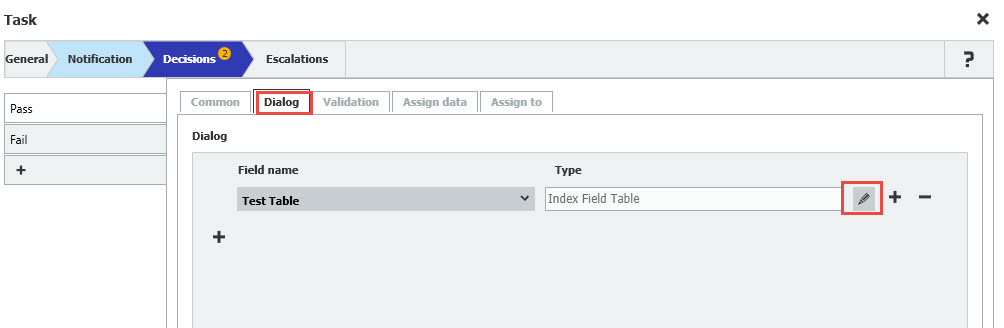
- Within your desired workflow, open a Task activity, click on the Decisions menu, and navigate to the Dialog tab. Once there, click the edit icon.
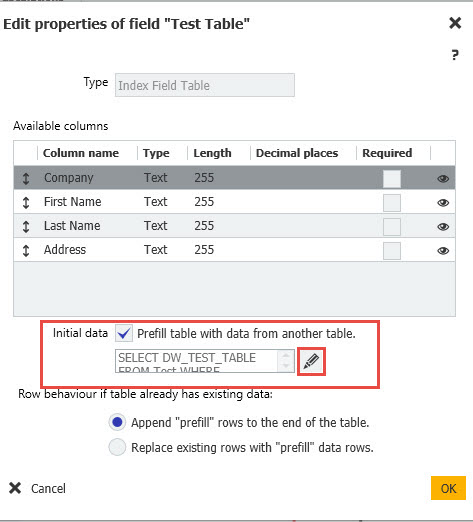
- Check the Initial data box, then the edit icon.
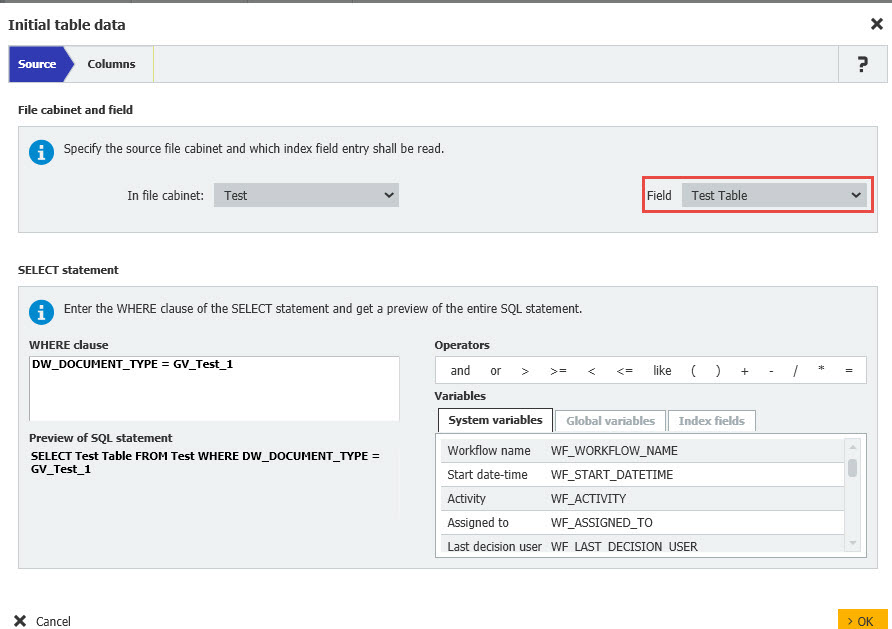
- Specify the source table field and select the document from which data is to be used via an SQL query.
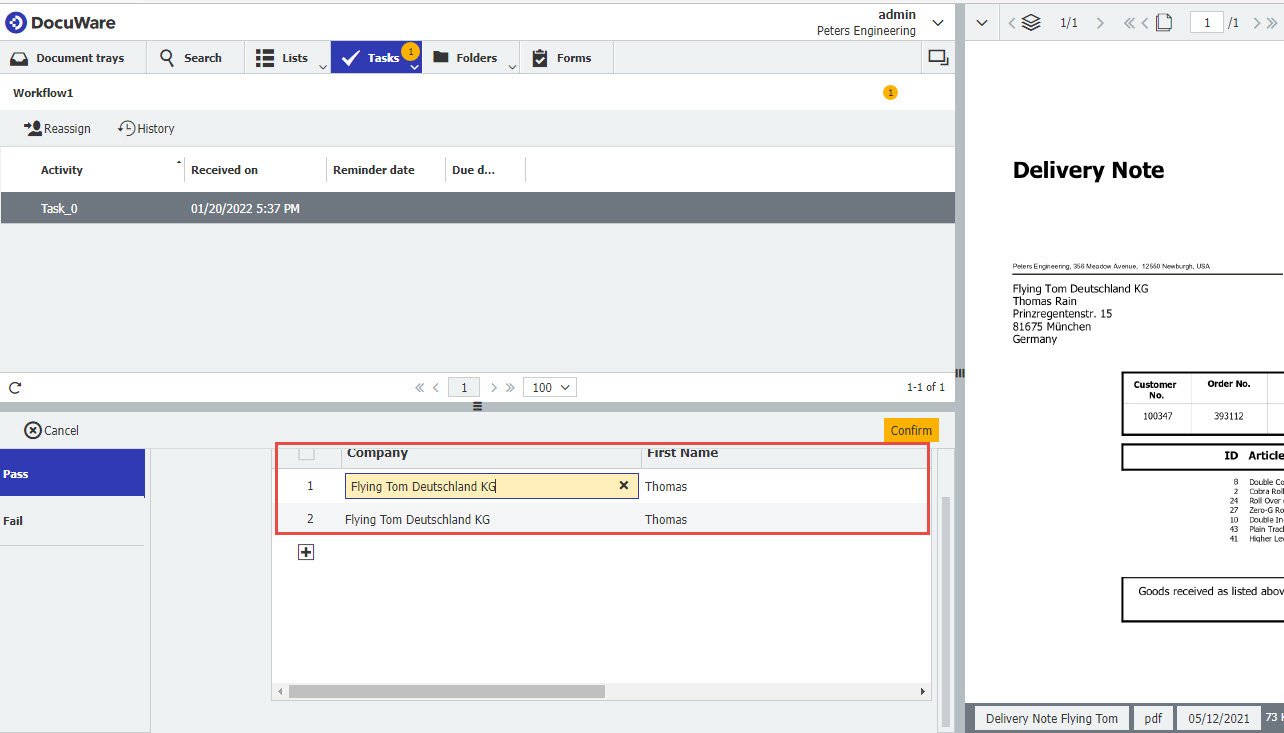
- Lastly, the transferred data appears in the task.
KBA is applicable for both Cloud and On-premise Organizations.