


Question:
How do I restart the DocuWare Services and Application Pools with the new Server Manager?
Answer:
In order to restart DocuWare services and Application Pools, open the DocuWare Server Manager Desktop app.
From the Services tab, you can select all or just the specific services you would like to restart, and hit the Restart button at the top of the application.
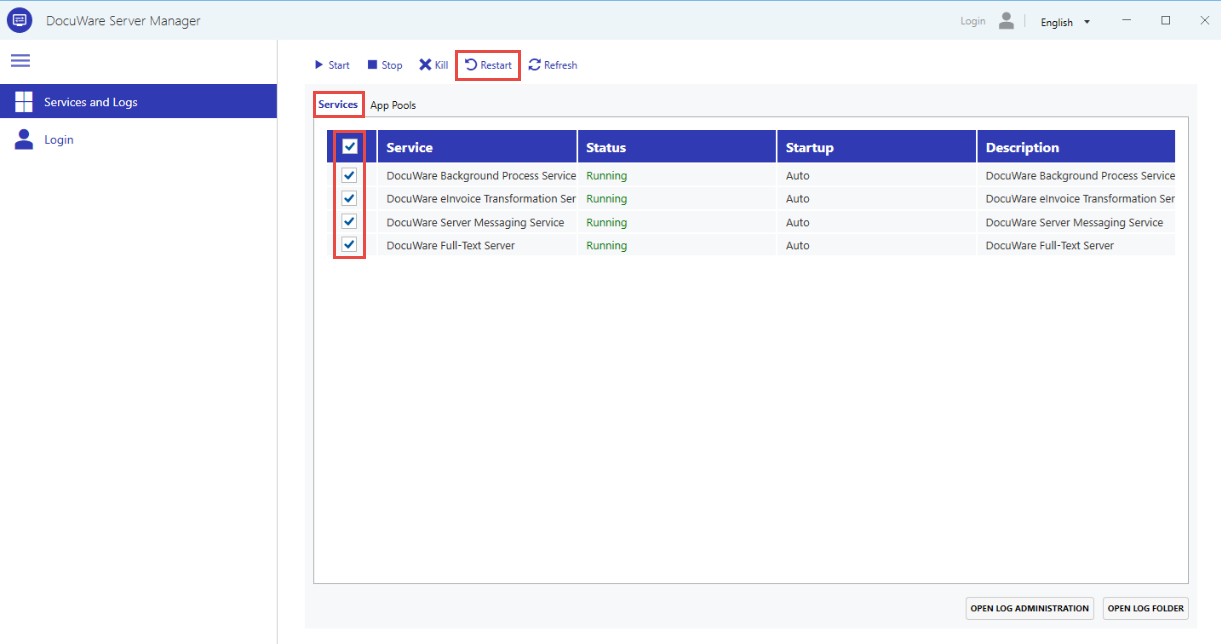
In the App Pools tab, you can select all or just the specific application pools you want to restart, and then click the Restart button at the top of the application.
KBA is applicable to On-premise systems ONLY!