


Behavior:
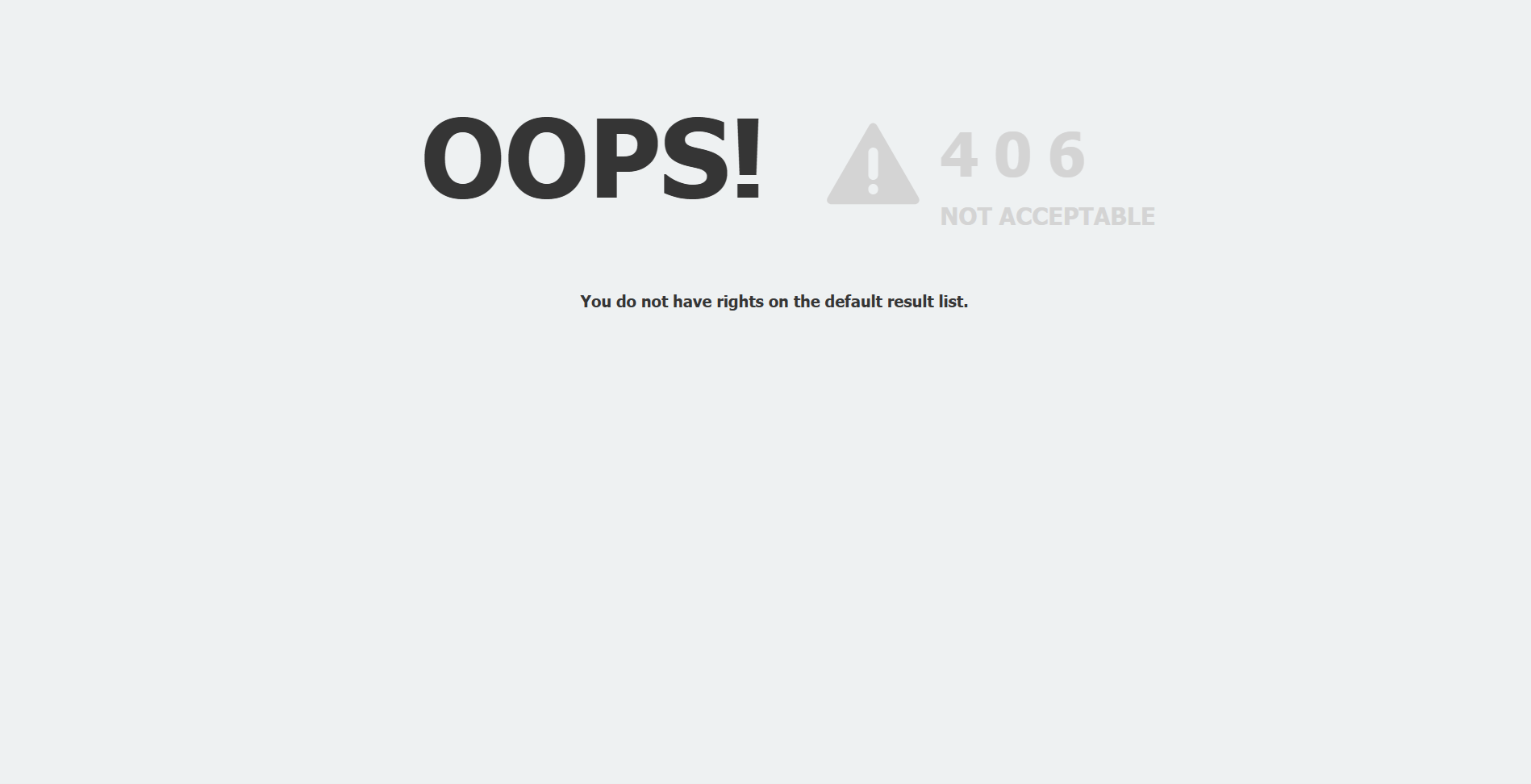
When attempting to open a document using the “Get Document Link” in the Web Client, the following error appears.
Error: OOPs! 406 You do not have rights on the default result list."
Solution:
This error occurs when the user attempts to open a document via a document link and does not have the permissions to access to the Default Result List configured.
To access the document link, the DocuWare administrator must give access to the result list set as the default to the user.
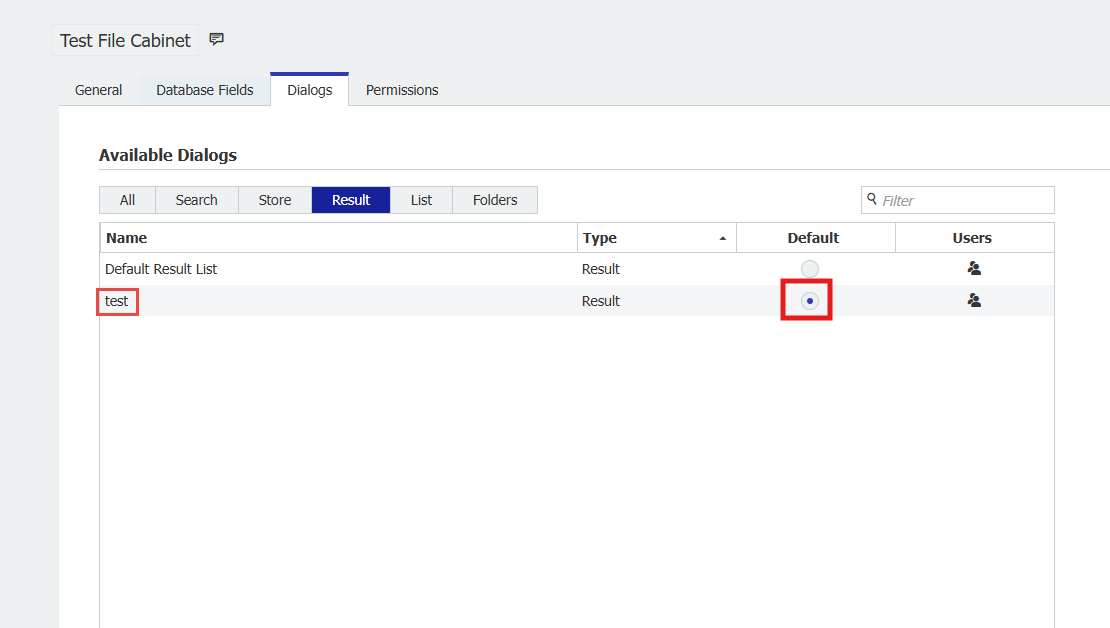
As shown in the screenshot below, the result list set up as Default is test, so the user must have rights to the test result list.
KBA is applicable for both On-Premise and Cloud Organizations.