


Question:
How can I configure the DocuWare server to run the Web Client in Read-Only mode in DocuWare version 7.11 or higher?
Solution:
To run your DocuWare server in Read-Only mode, complete the following steps.
- Save a backup of the appsettings.json file located in C:\Program Files\DocuWare\Web\Platform\appsettings.json.
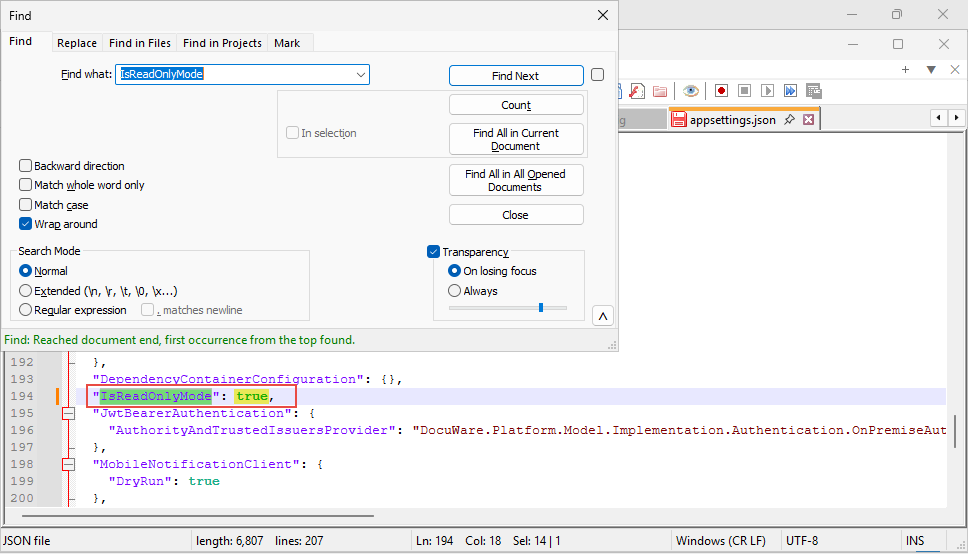
- Open the original file and perform a search using Ctrl+F for the phrase IsReadOnlyMode. Once the phrase has been located, change the value to true (the line should read: "IsReadOnlyMode": true,) to enable ReadOnlyMode. Then, save the file.
NOTE: If you have more than one server and would like to implement ReadOnlyMode on all servers, this change must be applied to each server. - After saving your changes, perform an IIS reset and restart all the DocuWare Services for the change to take effect. For instructions on performing an IIS reset, please refer to KBA-34532.
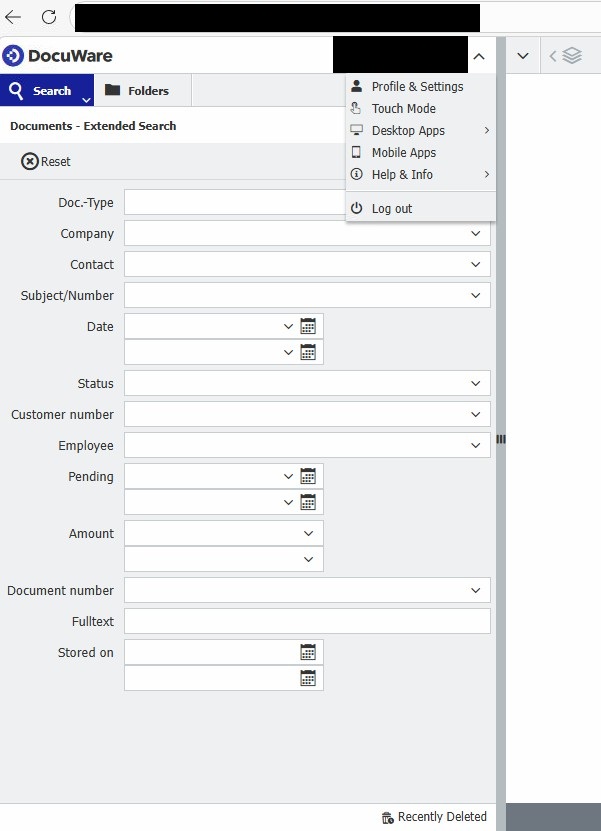
- Test the behavior by logging in to the DocuWare Web Client with the usual DocuWare URL. You will be automatically redirected to the Read-Only client from then on.
KBA is applicable for On-Premises Organizations ONLY!