


Question:
How can I create an .etl-log?
Answer:
Please refer to the following guide on how to create an .etl log:
- Open the DocuWare LogViewer (C:\Program Files(x86)\DocuWare\Power Tools)
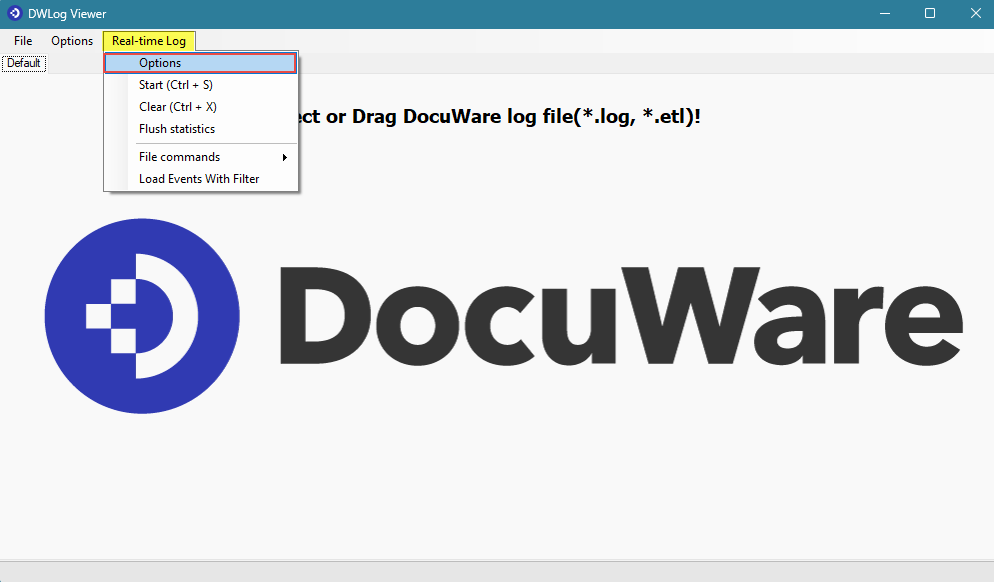
- Select Real-time Log then Options:
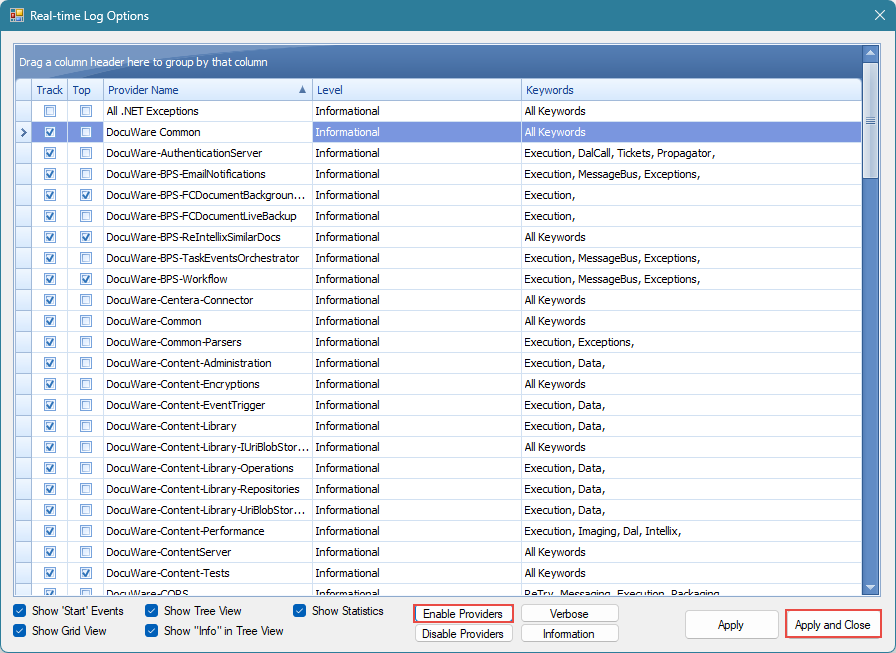
- Click Enable Providers then Apply and Close:
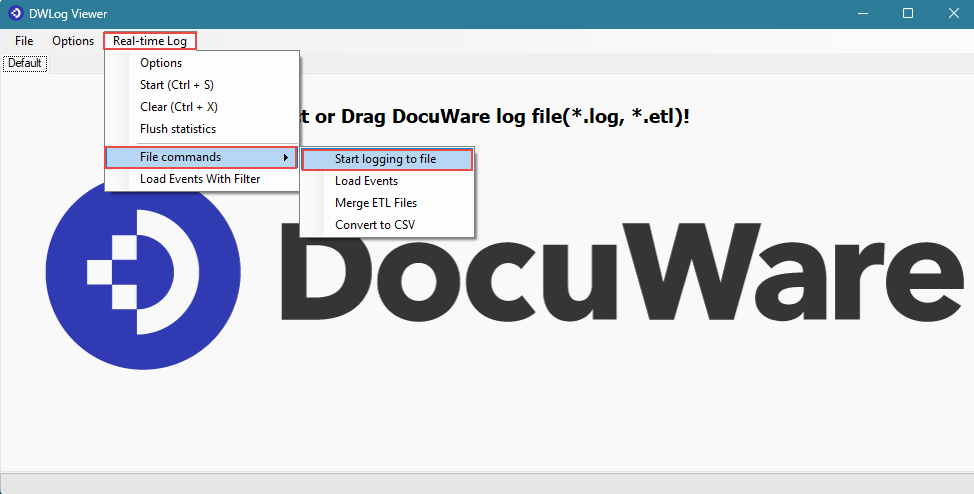
- Select Real-time Log > File commands > Start logging to file:
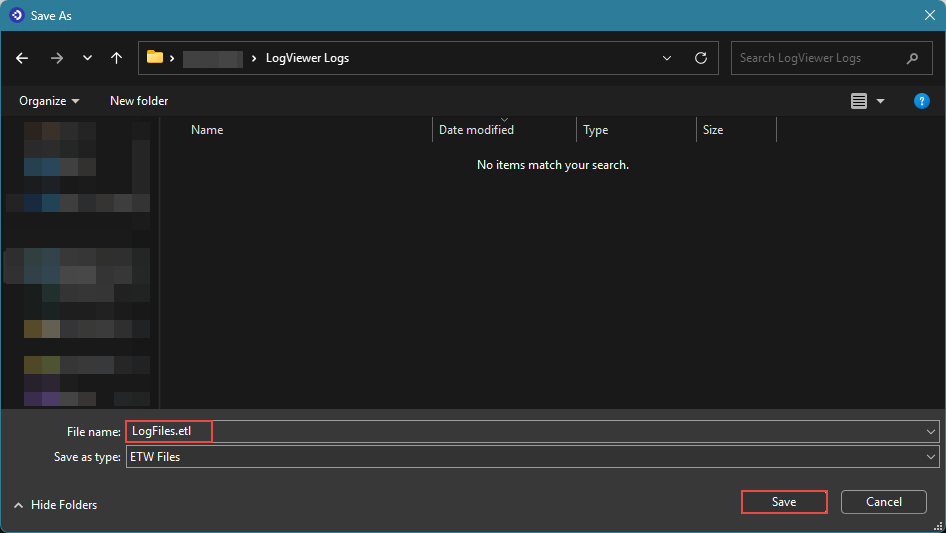
- Create a file where you want to write to:
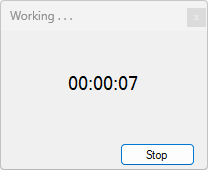
- When you see the following windows, please reproduce the error. After you reproduce the error, press Stop:
KBA is applicable to both Cloud and On-premise Organizations.