


Question:
How do I configure a Storage Robot job to run on a schedule?
Answer:
To set up a Scheduled Task to run a Storage Robot configuration, please conduct the following steps.
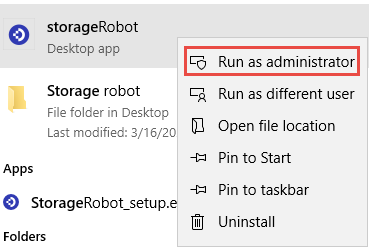
Open Storage Robot by right-clicking Run as Administrator.
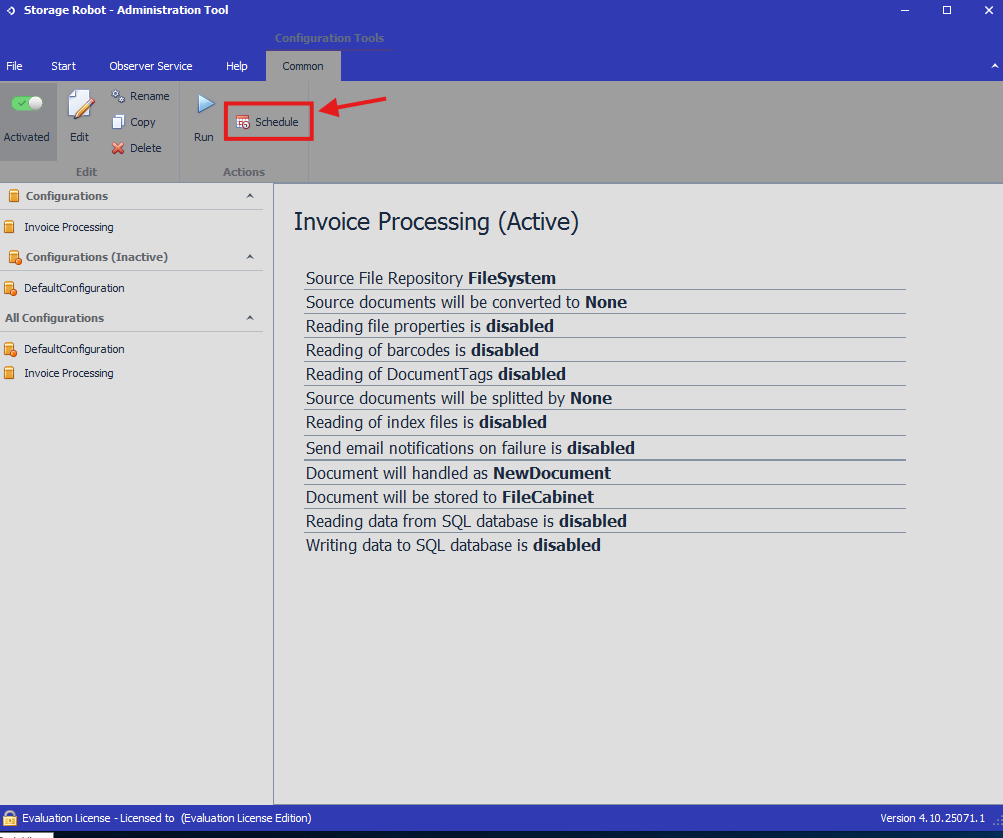
Select your configuration from the main window, then press Schedule.
Enter your preferences for the task, then the Windows account that will be used to run the task.
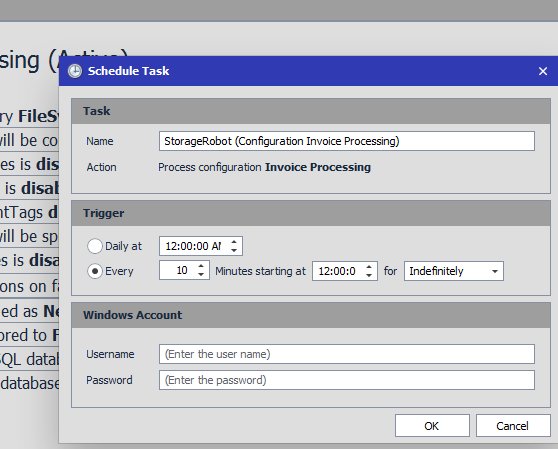
Once you finalize your settings by selecting OK, the window will close, and the Scheduled Task will be created.
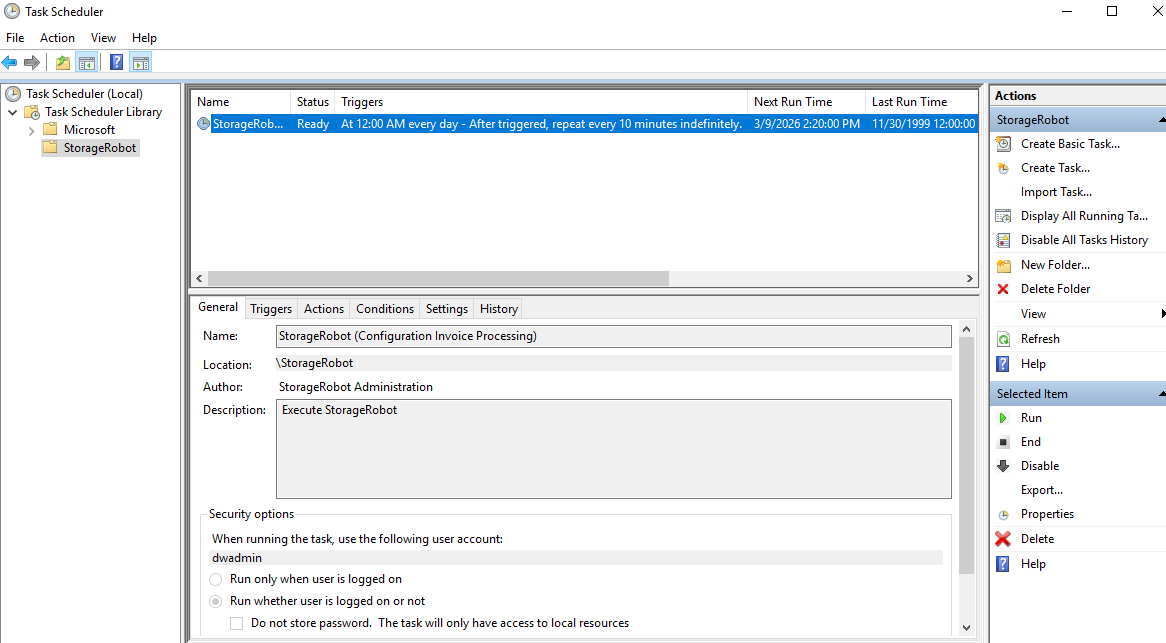
Open Task Scheduler to find the Storage Robot folder containing your Scheduled Task. Your task will now run on your set schedule. Future modifications are also made here.
KBA applicable for both Cloud and On-premise Organizations