


Question:
How can I use a document name for an index field name?
Answer:
Please refer to the following guide to use a document name for an index field name:
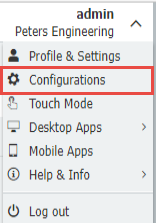
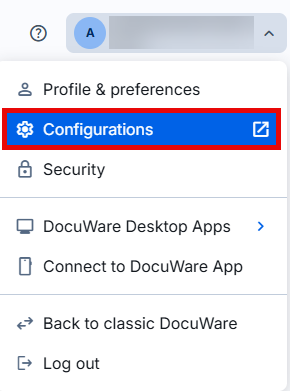
1. Navigate to the Configurations page using the dropdown menu next to your username in the Web Client:
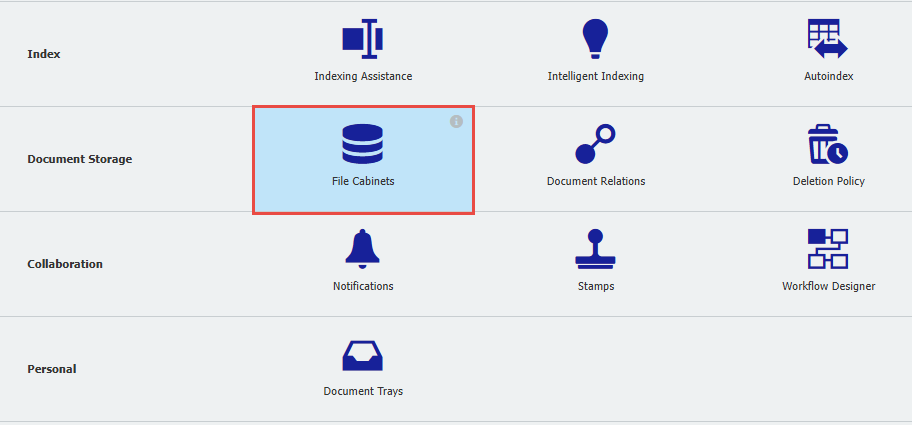
2. Within the configuration page, select the File Cabinets plugin.
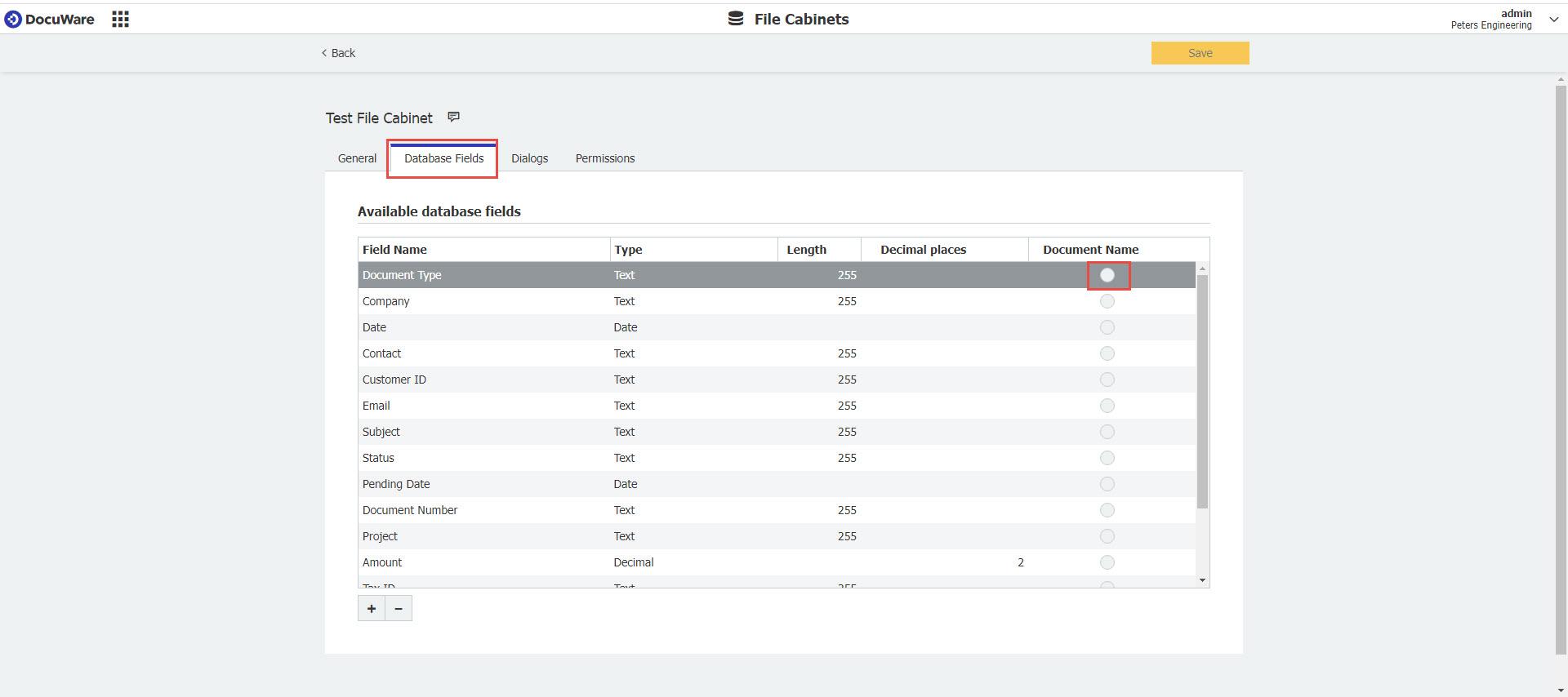
3. Select your desired file cabinet, then select the Database Fields tab. Choose the Field Name and enable the "Document Name" option.
KBA is applicable for On-Premise and Cloud Organizations.