


Behavior:
DocuWare server installation was originally performed on a Workgroup machine, but the machine was joined to a Domain (or vice versa). The Authentication Server, Workflow Server, and other DocuWare services will not start.
Solution:
When a DocuWare system is installed on a machine, the Workgroup/Domain membership is stored in the database, if a domain change takes place and the services are restarted, they will not start because the environment is different.
Depending on your databse:
-
If DocuWare is installed with its own database (DocuWare Internal Database), which is MySQL, then you can use MySQL Workbench.
-
If DocuWare is installed under MSSQL, then you can use SQL Server Management Studio.
-
If DocuWare is under an Oracle backend, then you can use Oracle SQL Developer or any other tool to access the database schema.
If you are using MySQL or MSSQL, the table name is called DWSERVER, and it is under the DWSYSTEM database. In Oracle, all DocuWare database objects are under a single schema. There is a column named “domain” that will have the old Workgroup/Domain name. Remember that column names in Oracle are case sensitive.
You must replace the old Workgroup/Domain name with the new one. Once the domain fields have all been updated, restart all DocuWare Services.
The steps below are an overview only. You can also use any tools, or you can even use SQL language with an UPDATE statement. The database object names are the same across all supported databases.
MySQL:
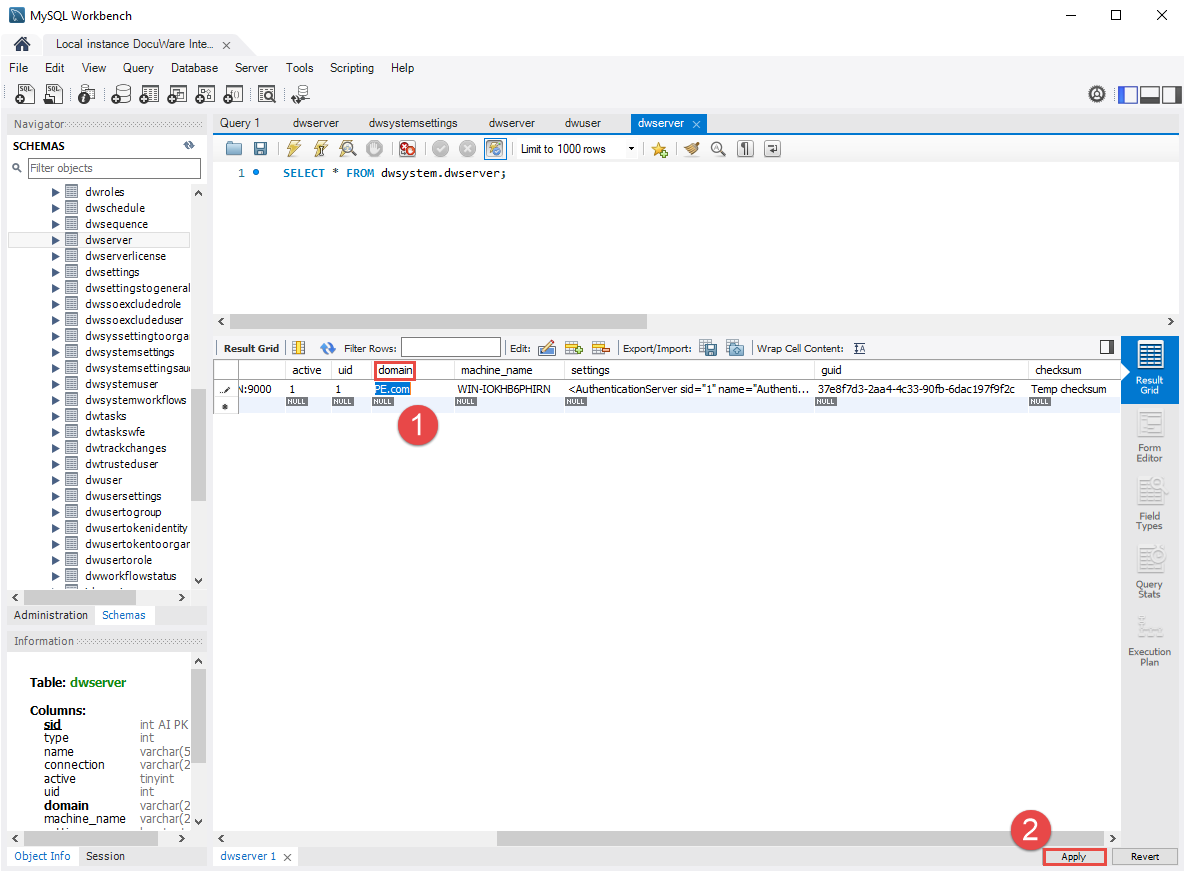
Edit the value for domain for all server connections, then click the Apply button.
MSSQL:
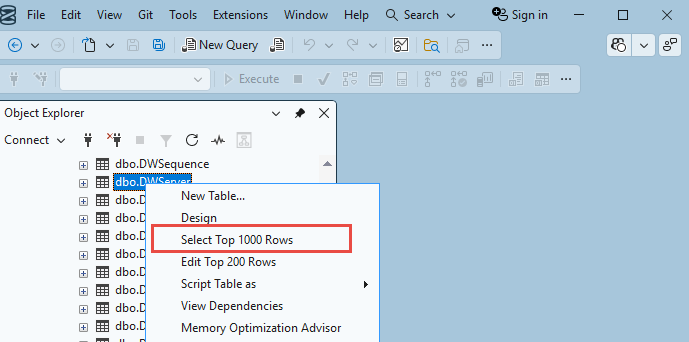
Right click the table and click Select Top 1000 Rows.

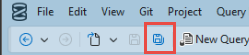
Click the Save All key when you are finished.
KBA is applicable to On-premise organizations ONLY!