


Note: Enabling High Security System is irreversible. Proceed with caution.
Question:
What is a High Security System, and how do I enable it in DocuWare?
Answer:
A High Security System prevents accidental access to sensitive documents by restricting how groups and roles can be assigned to file cabinets and users.
Effects on File Cabinets
When a file cabinet is designated as High Security:
- File cabinet profiles cannot be assigned to roles
- File cabinet profiles must be assigned directly to individual users
- Only users with the "High Security" property can access the file cabinet
- Effects on Users with High Security Property
Users assigned the High Security property have the following restrictions:
- Password changes can only be made by the High Security user themselves
- Organization administrators can reset the password, but cannot change it
- Trusted login is not permitted, as it does not maintain the required security level
Note: High Security System is designed for organizations requiring strict control over access to confidential information.
Enabling High Security System:
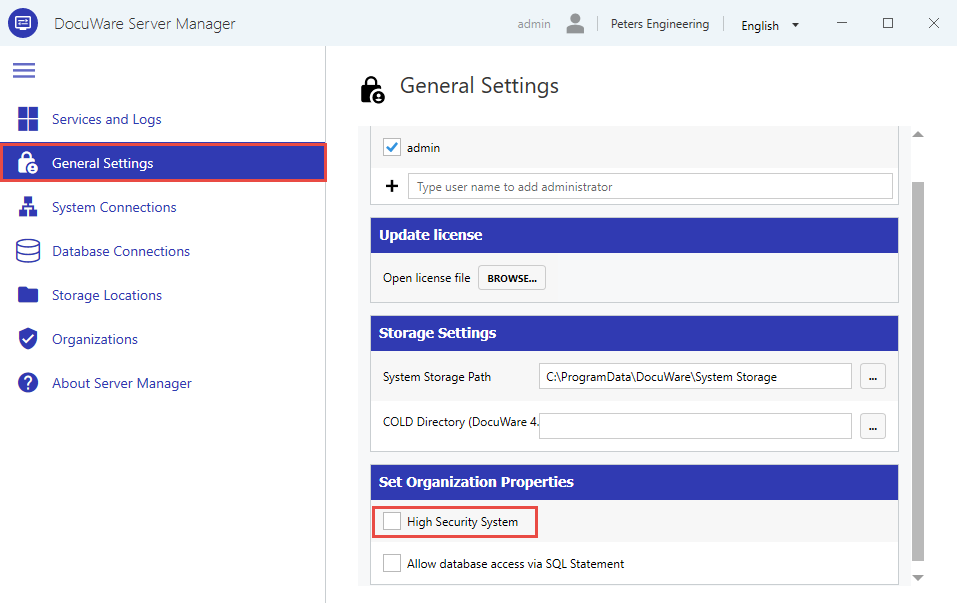
- Open DocuWare Server Manager
- Navigate to General Settings
- Scroll to the Set Organization Properties section
- Check High Security System:
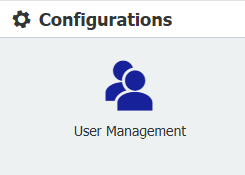
- Go to the User Management plugin via the configurations page, then go to your admin user and click the pencil icon to edit:

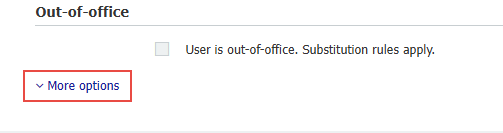
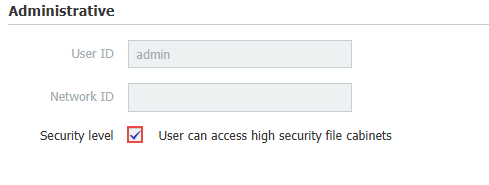
- Click More Options, then check User can access High Security file cabinets, then click "Save":
- Go to the File Cabinets plugin, then click the pencil icon to modify its settings:
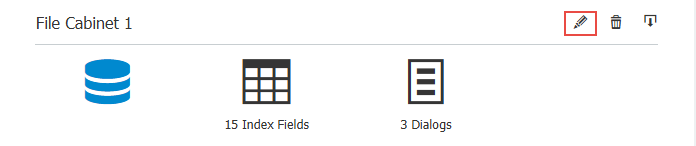
- Click "More Options", then Enable High Security for this file cabinet:
Note: Once enabled this option cannot be disabled and all the users without High Security right will be removed from this cabinet!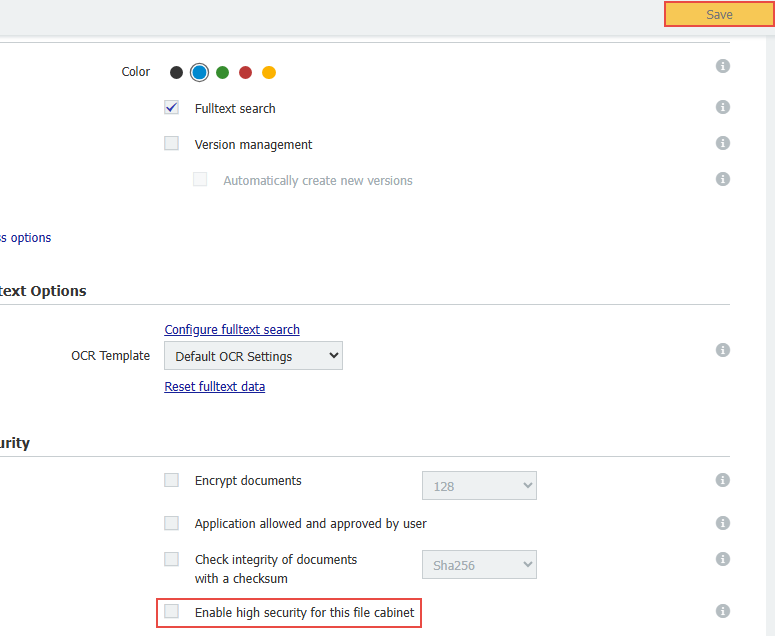
- Click Save, then configure your desired users to access said file cabinet (See step 6).
When a user does not have the option "User can access High Security cabinets," they will no longer have access to anything related to the file cabinet with High Security enabled. For example, we have enabled High Security on File Cabinet 1.
Our Tester user cannot access said cabinet: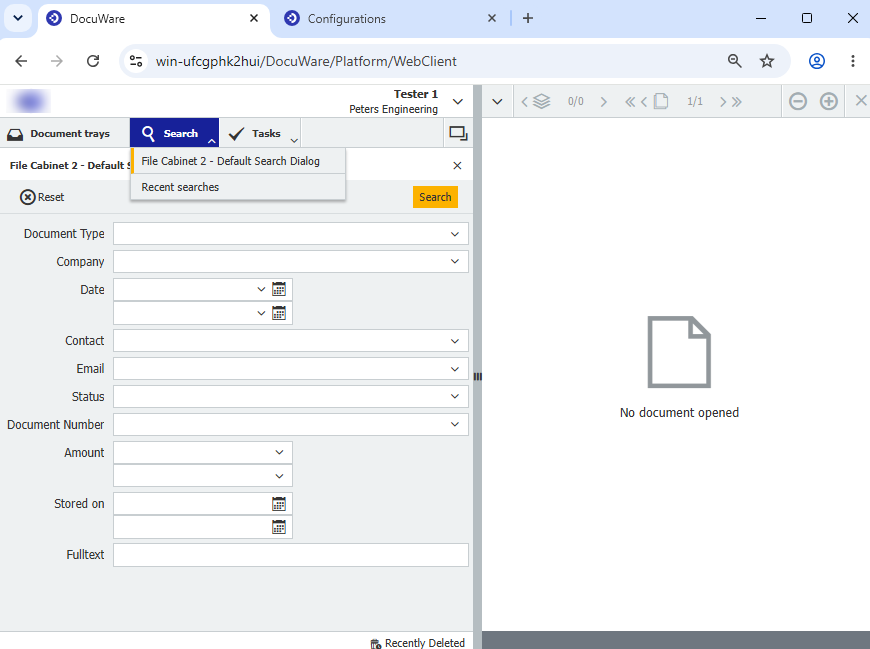
Nor can they be added to any dialog until the "User can access High Security cabinets" option is checked via User Management (See step 6):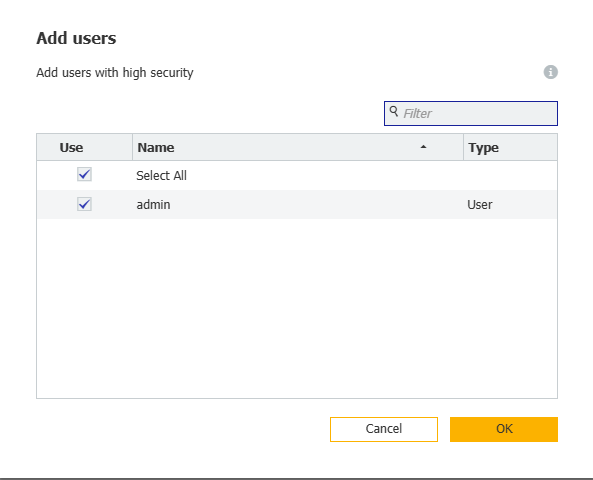
KBA is applicable to On-premise Organizations ONLY!